What you need before you arrive.
Open the official game at www.cubicles.lol. This guide does not host a separate version, and there is no installer to download from us. Gameplay, accounts, and rentals all happen on the game site.
Use an up-to-date browser and an internet connection. A desktop or laptop is a comfortable starting point for the 3D view and controls. A phone can open the site too, but performance and touch controls depend on the device; this is not a guarantee that every browser will run it equally well.
Explore before deciding to sign up.
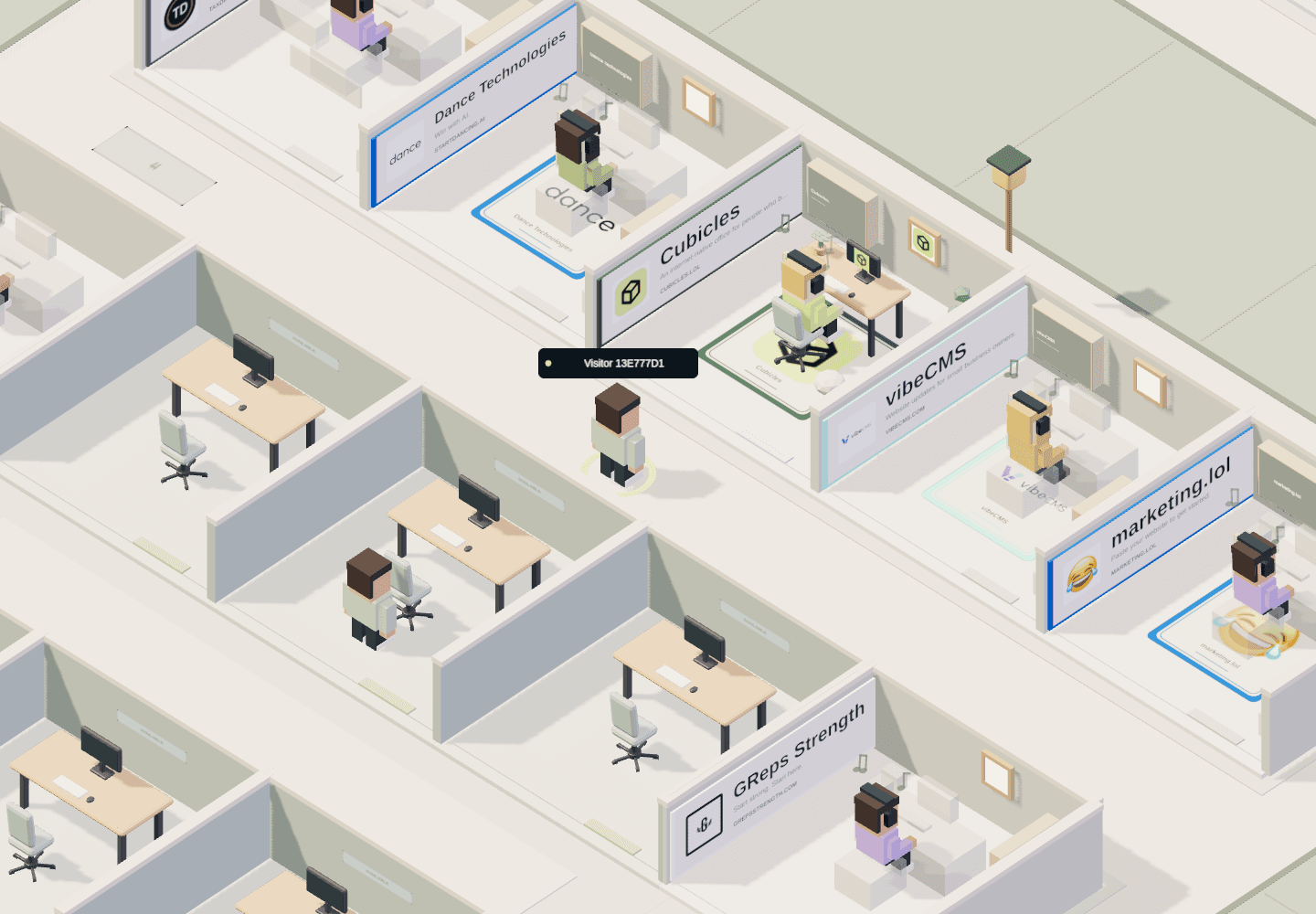
Start as a guest and let the world load. Follow an aisle and look at a few occupied offices instead of trying to understand the entire floor immediately. The spaces belong to people and projects, and their layouts give you something to discover even when their owners are away.
Try inspecting a space that catches your eye. Look at its arrangement and whatever information the owner has shared. A player’s external project link takes you beyond Cubicles; only follow it if you want to visit that separate site.
Some actions ask you to sign in. You do not need to turn a first look into a rental, and the number of people you encounter will depend on who is visiting at that moment.
Use the live control reference.
Open Controls inside Cubicles for the current movement and camera inputs. Learn walking and looking around first. Use the map when you want a wider view, then return to exploring at office level.
Camera modes and touch devices can change which inputs make sense, so the live reference is more useful than memorizing a static keyboard list here. If a wall blocks your view, adjust the camera before assuming you cannot inspect the space.
If the scene does not load, try refreshing an up-to-date browser with graphics acceleration enabled. You should never need an unofficial download to explore the web game.
A personal office is a separate decision.
Free exploration lets you visit the world. An editable space of your own requires an account and a paid rental. Before purchasing, check the live availability, footprint, recurring charge, and subscription terms rather than relying on a screenshot or an old quoted price.
Start with an idea for the space. Will it represent a project, a recognizable desk setup, or simply something you like? The office design guide explains how personal decorating differs from the management mechanics of games such as Startup Company.
You do not gain editing rights over another player’s office by visiting it. Use the editor available for your own rented space and confirm your changes through the game’s save controls.
Know what you are trying out.
Enjoying a place, discovering projects, and making a personal space are good reasons to choose Cubicles. If you were expecting a tightly scripted office story, try The Stanley Parable: Ultra Deluxe. For staffing and company growth, look at Startup Company.
See the game profile and official source for the source-check date and limitations, or read our selection criteria. A free visit is a way to decide whether the world suits you—not an obligation to make it home.